On the one of the transaction screens such as Sales Order, Estimate, Invoice etc, click “More Actions”

…and select “Customize Print Template”. That will take you to this window:
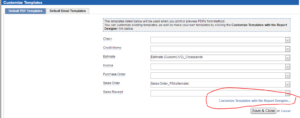
Click on the link I have circled. That will give you the download needed to install Method Report Writer. You need this to modify print outs in method.

Open it
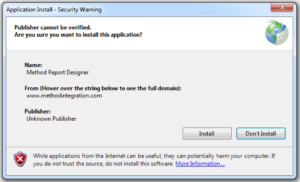
Install the Report Writer
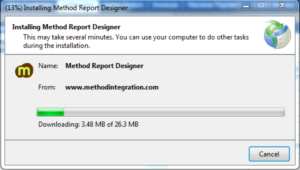
It will automatically run:
Open the folder or file:
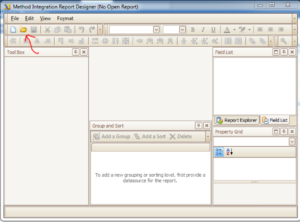
Enter you Method account name, user name and password and click Connect.
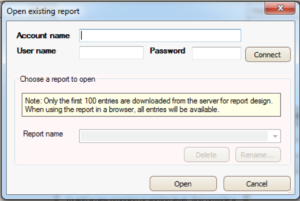
Then select and open the report you want to modify.
Click File >> Save As
Change the Report name and click “Create New Report” This will assure you don’t ruin the standard report.
Now you are free to customize!